
Tally
iPhone · Apple Watch
Form new habits, one tap at a time.
Tap New when you start a habit for the first time, and Repeat every time you do it again. No streaks to break, no guilt, no fiddly setup: just a running picture of how often you're following through.


What Tally does
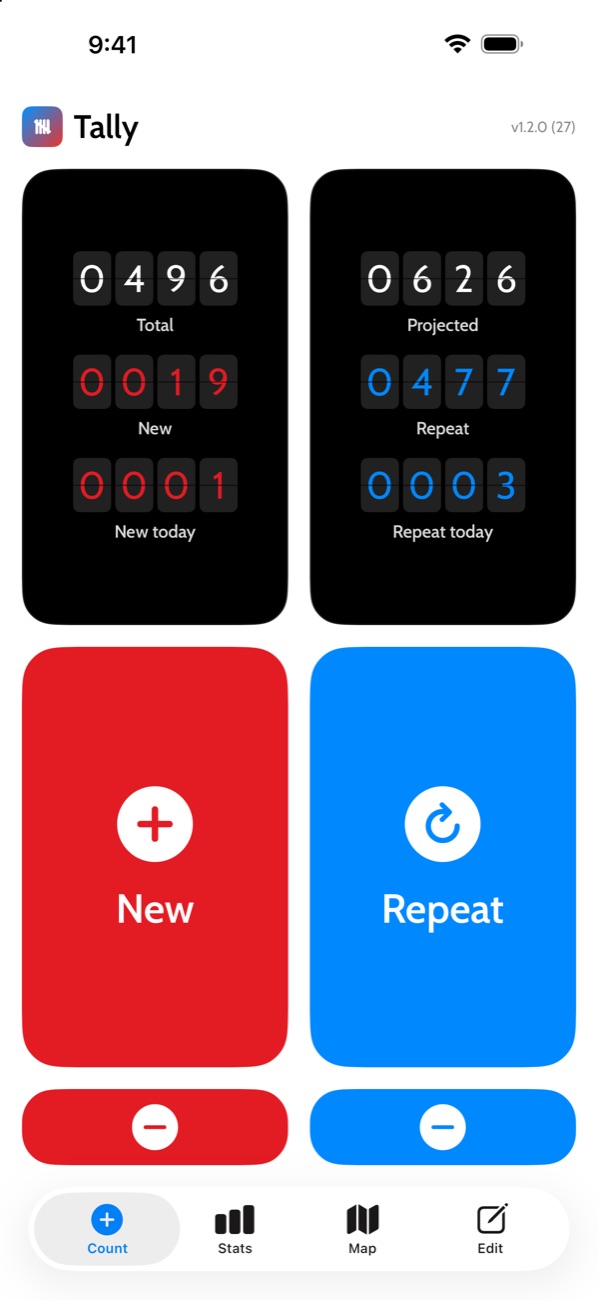
Two big buttons
New and Repeat, for fast one-tap logging. Mistakes come off with a long press, so a stray tap never costs you a count.
A split-flap board
Today's counts sit alongside your running totals, and the digits flip when they change.
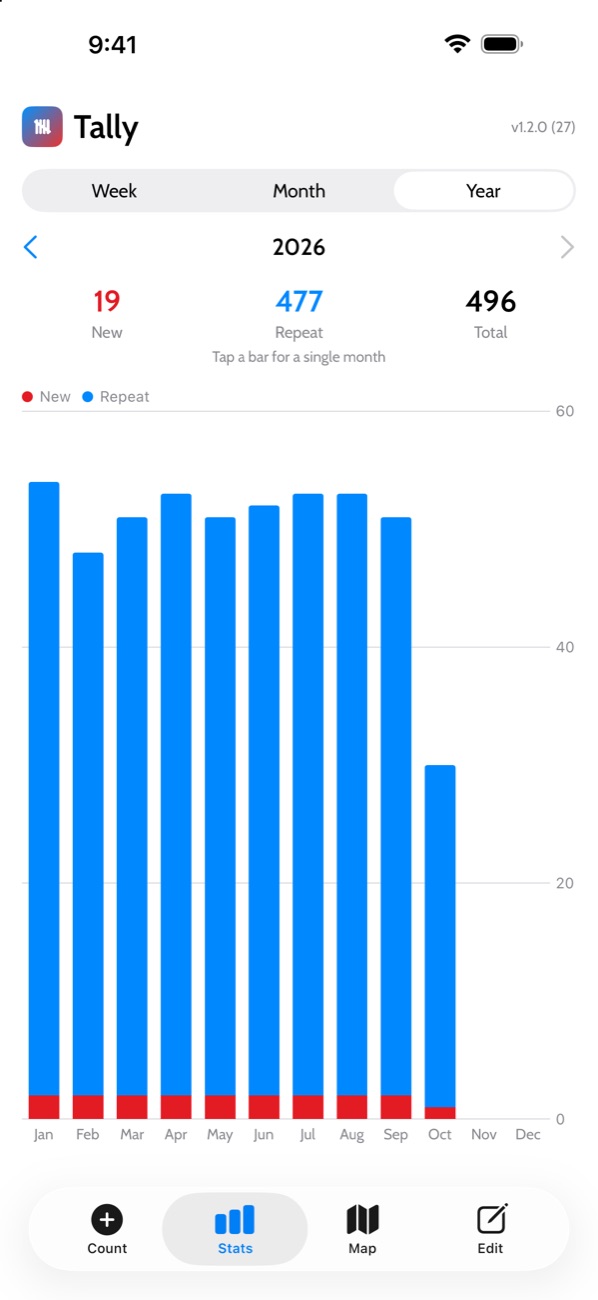
Stats by week, month and year
A tap-to-explore bar chart shows how frequently you're keeping your new habit going.
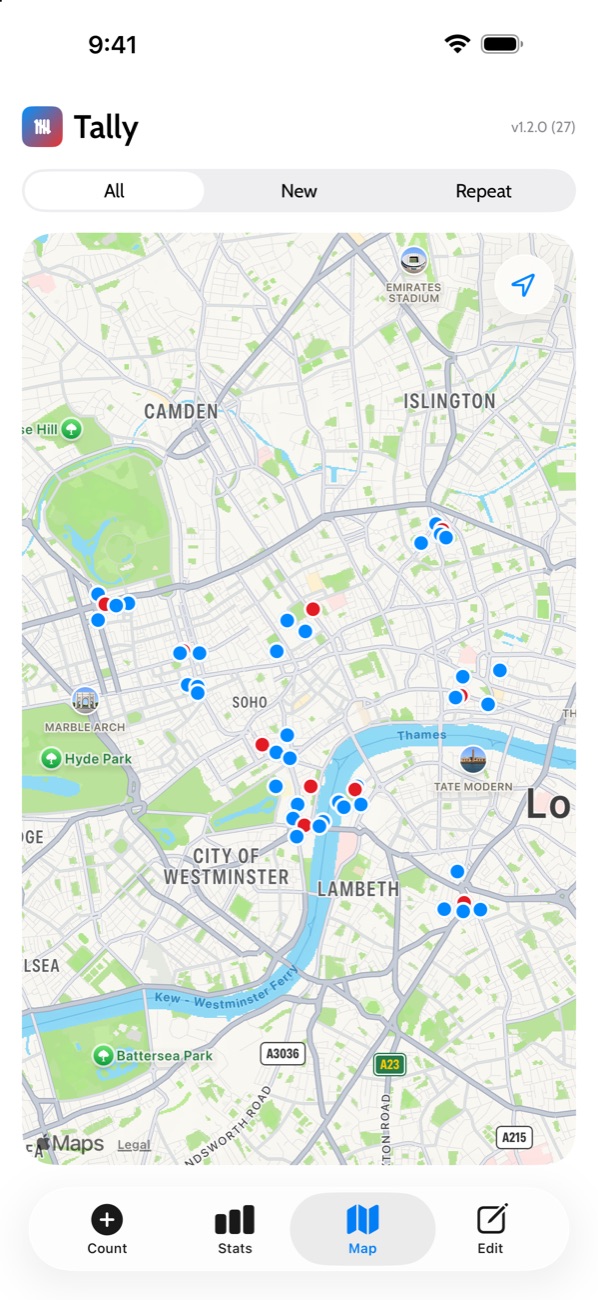
A map of every tap
See where you were each time you logged, filtered to New or Repeat.
On your wrist
The Apple Watch app logs straight from your wrist, and your counts sync across your devices.
Private by design
Tally collects no data and shows no ads. Your counts live in your own private iCloud, with no account to create.
Details
- Platforms
- iPhone (iOS 17 or later) and Apple Watch
- Price
- Free, with no ads
- Privacy
- Tally privacy policy